

Skip to product information


Film feeling, digital freedom
ONE75 Camera

We give it 5 stars!
$249.95
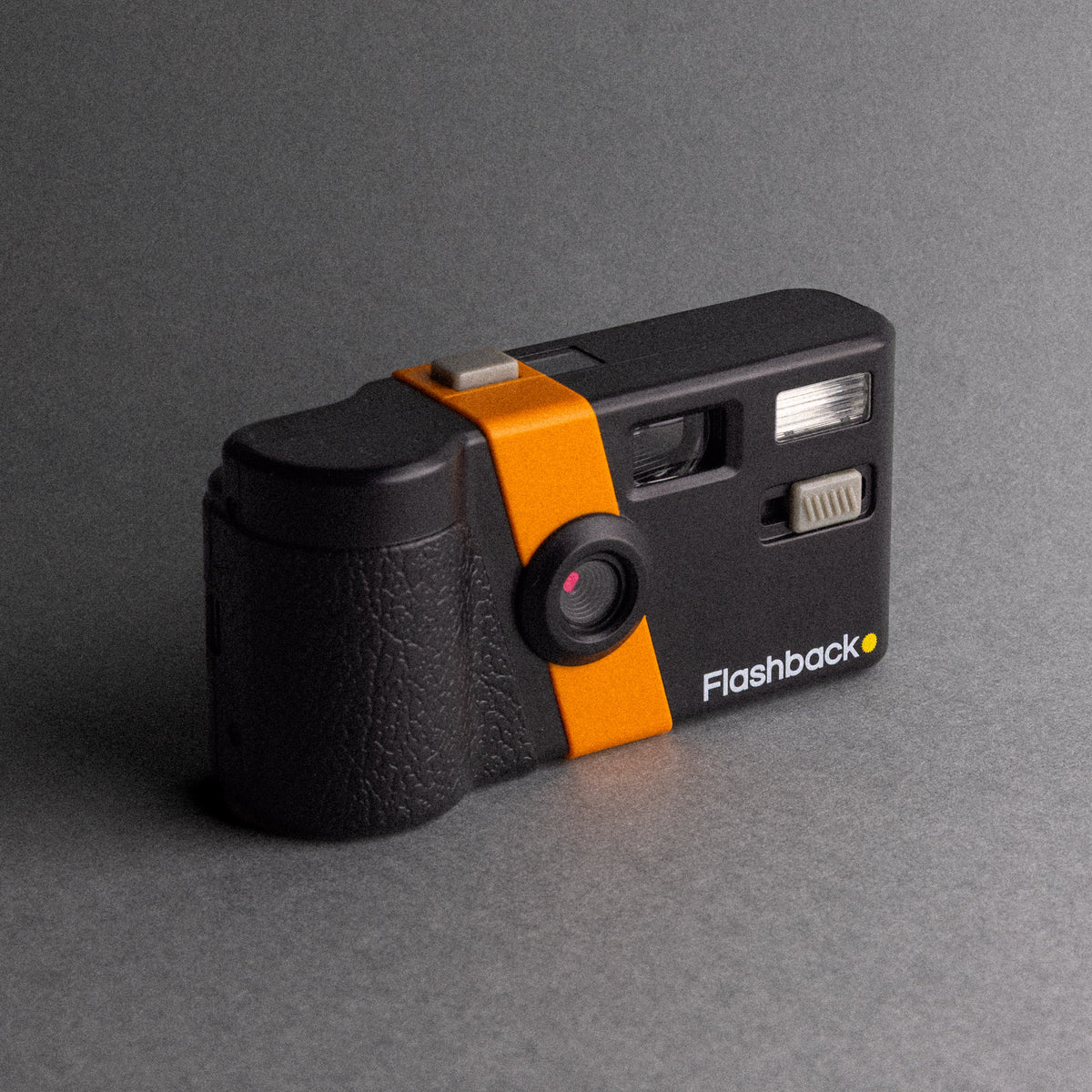
Inspired by classic half-frame cameras, the ONE75 brings the feel of film to a reusable digital camera. Aluminium plates, brass controls and the familiar wind-on ritual invite you to slow down and enjoy taking the photo.
- More room to create. Explore built-in film types and double exposure to make each roll your own.
- Stay in the moment. No photo previews; discover your photos in the Flashback app later.
- Keep a little mystery. Enjoy 27 shots per roll, with an optional 24-hour wait in Film Camera Mode.
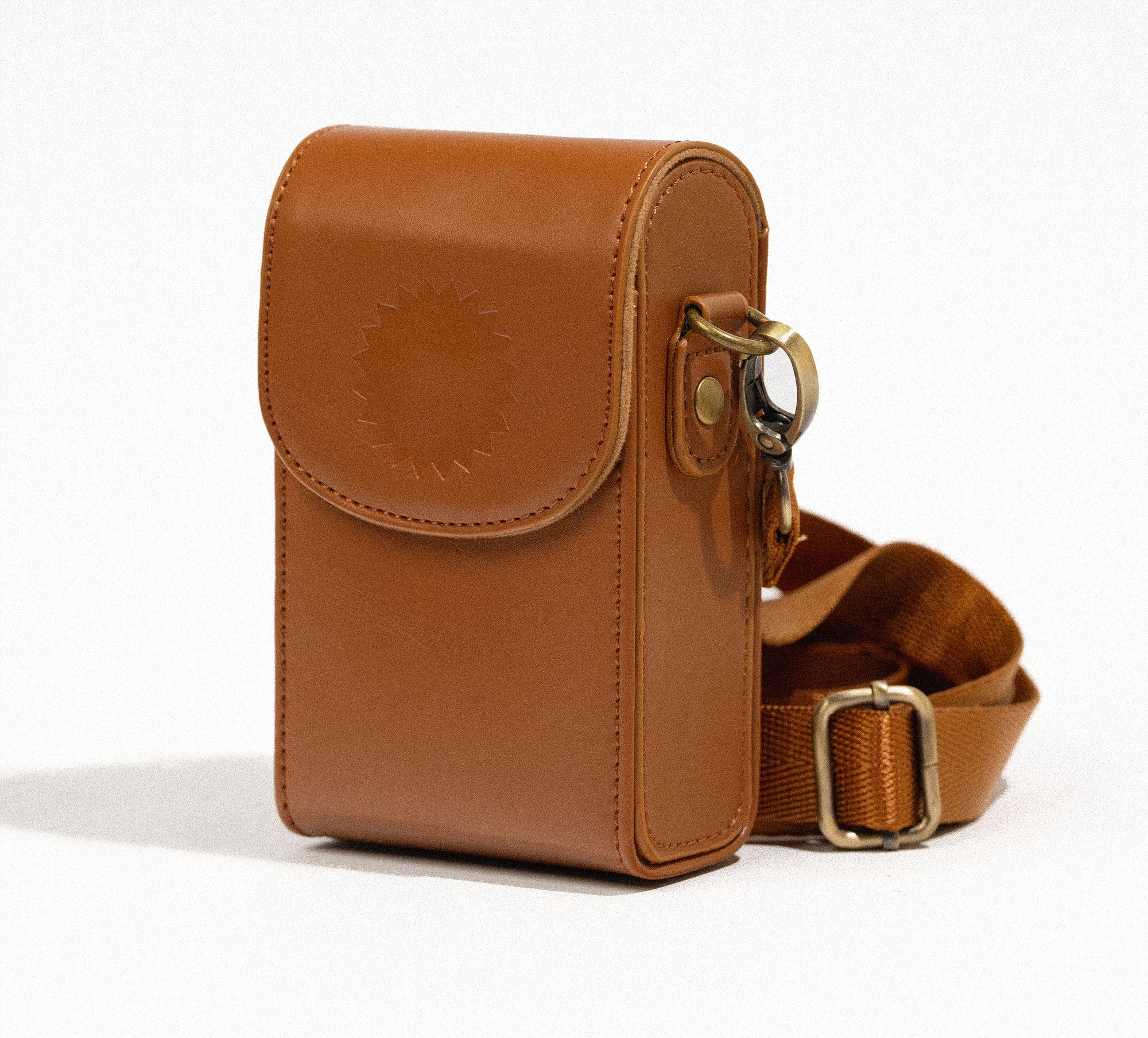
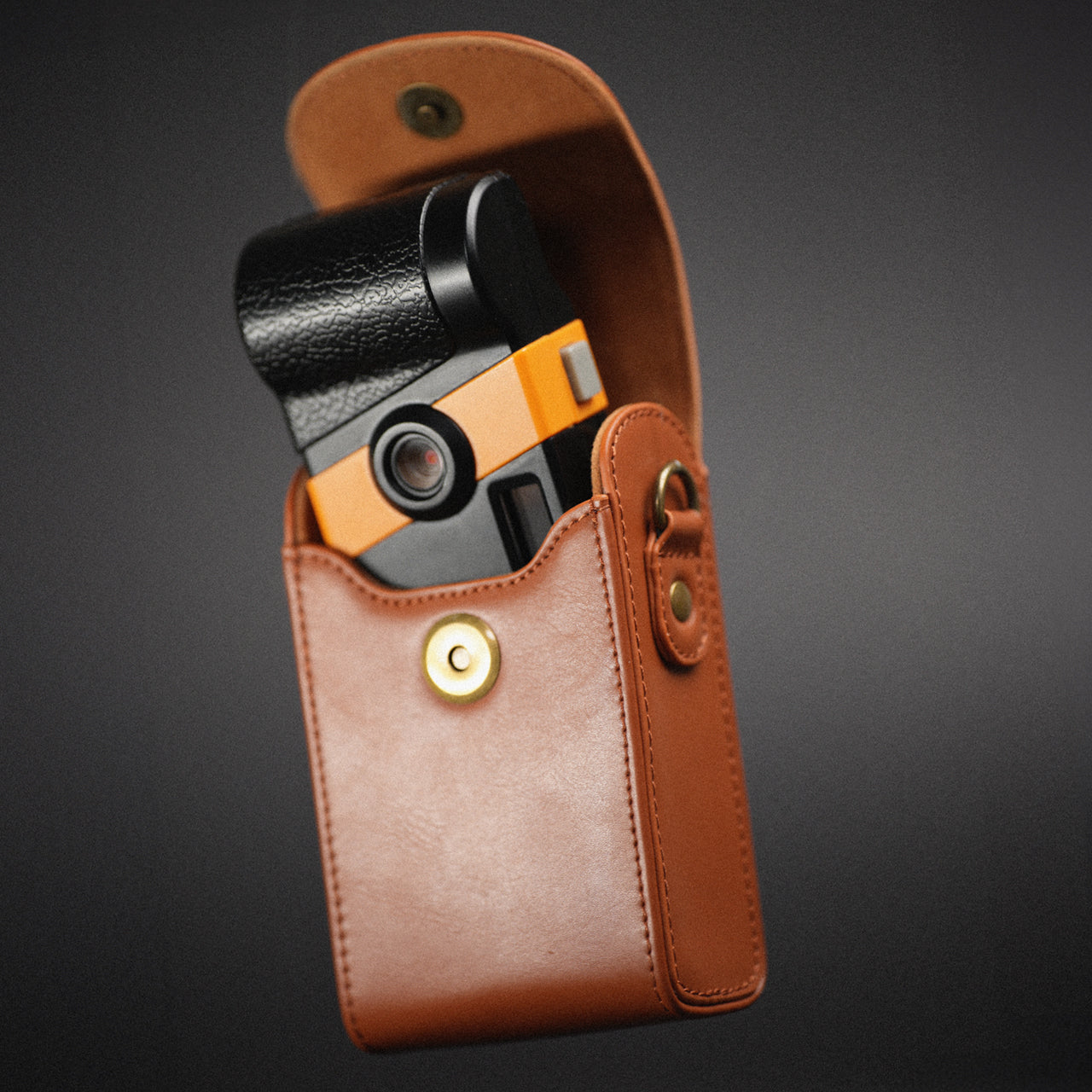
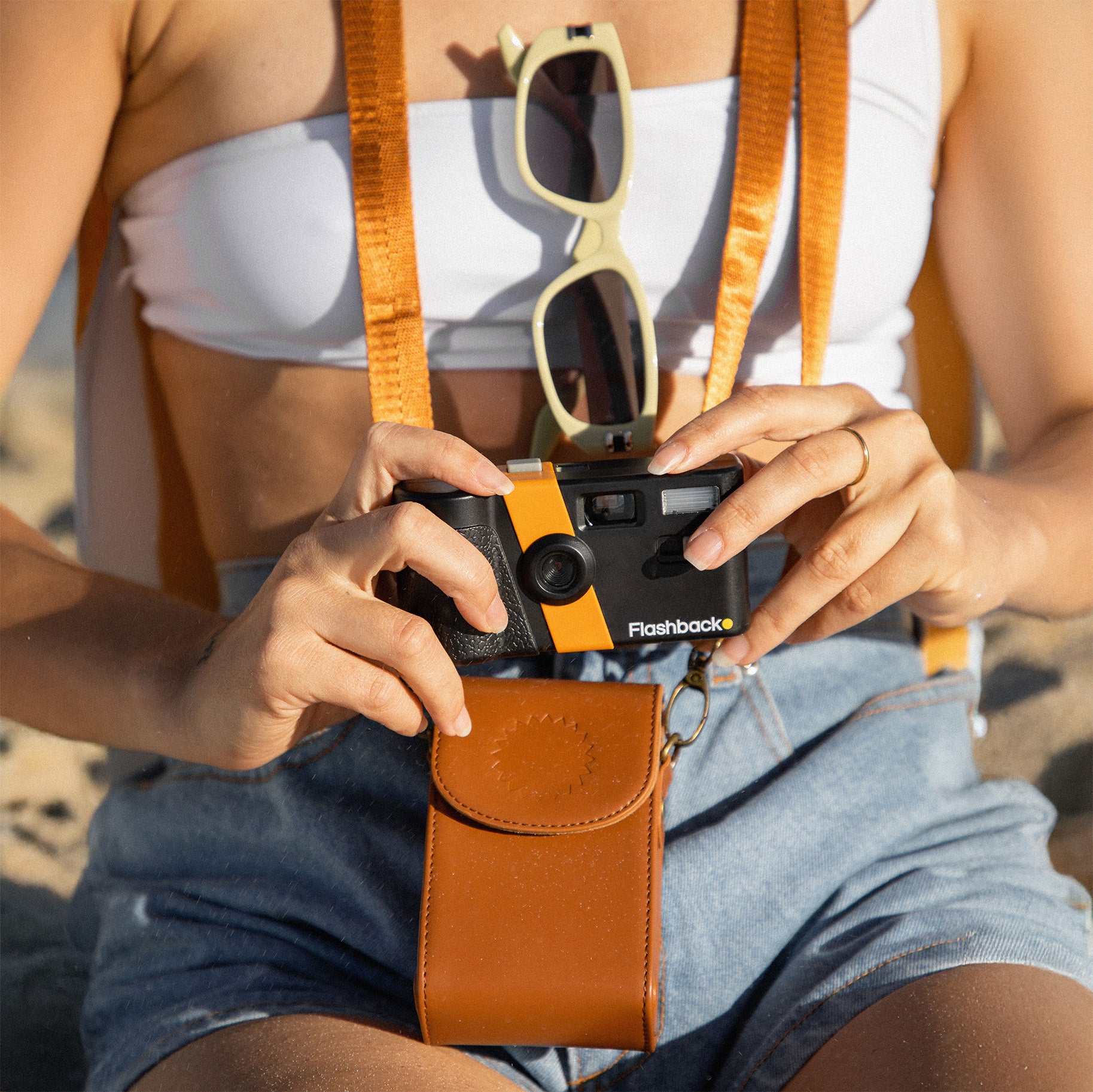
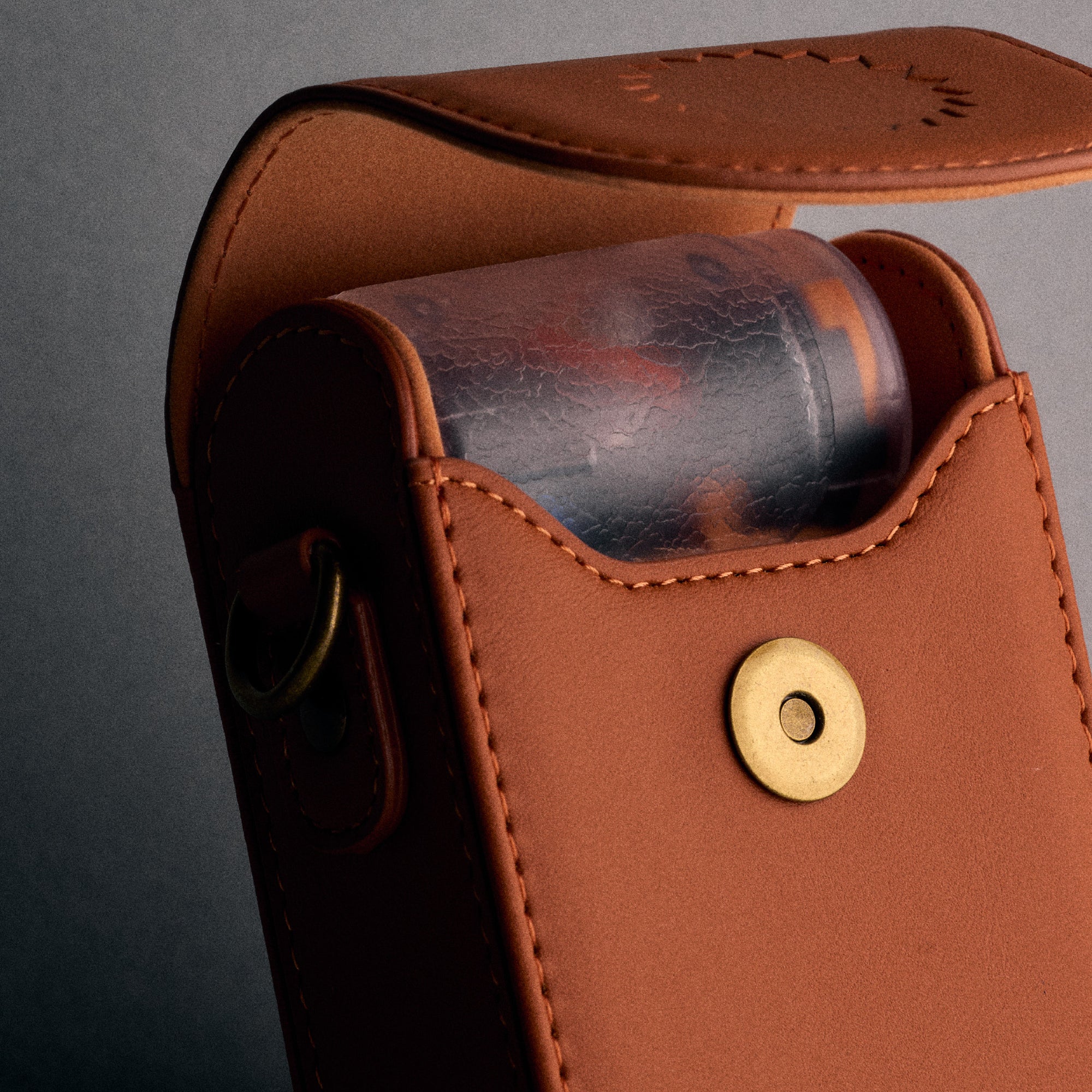
Grab your FREE CASE in the cart. While stocks last!
What's in the box?
- ONE75 camera
- Flashback sticker sheet
- USB-C cable for charging/data transfer
- USB-A adapter for charging from a regular USB port
- Lightning adapter for older iOS devices
Film, memory cards and external storage are not required!
Shipping & Returns
- Worldwide tracked shipping
- Dispatch within 24 hours
- 12 month comprehensive warranty
Details & Specifications
- Aluminium top and bottom plates
- Brass shutter button and control dial
- 13 MP photo resolution
- OLED display for film selection and settings
- Built-in xenon flash
- Double-exposure mode
- Self-timer
- Tripod mount
- 25 mm threaded accessory mount
- Replaceable glass lens protector
- Rechargeable battery
- Internal storage
- Bluetooth and Wi-Fi connectivity
- Photo transfer via USB-C or Wi-Fi to Android, iOS, PC or Mac
- RAW photo export in DNG format (PC or Mac only)
- Automatic firmware updates
We are featured in:





Shoot like you mean it
-

A camera to be seen with
Aluminium and brass body, with a tripod mount, self-timer and 25mm lens thread for shots worth setting up.
-

Create your own look
Light it with Xenon flash, layer it with double exposure, colour it with 8 film types or one you built from scratch.
-

Shoot now, unload later
Around 15 rolls per charge. No preview, so your photos stay a surprise until the roll is unloaded.
-

Camera to camera roll
Save to your phone through the Flashback app using Wi-Fi and Bluetooth, or plug straight into your PC or Mac via USB-C.


Classic feel. Creative freedom.
The ONE75 pairs the feel of classic half-frame cameras with simple ways to experiment. Hands-on controls, a portrait viewfinder and a little curiosity are all you need to get started.

Aluminium and brass. Aluminium top and bottom plates, with brass controls where your fingers meet the camera.
Choose your film on the camera. Explore built-in film types using the control dial and OLED display.
See what happens. Layer two moments with double exposure, or experiment with compatible add-on lenses and filters using the 25 mm threaded mount.
Get in the shot. A tripod mount and self-timer make room for the person usually taking the photo.
How it works
Film nostalgia meets digital convenience. No waste, just intentional moments.


Shoot
Up to 27 photos at a time. Each shot counts, just like film.


Transfer
Your photos unload into the Flashback app. You can keep shooting in the meantime!


Wait
In Digicam Mode, you'll see your photos instantly. Or, choose Classic Mode for a 24-hour wait!


Relive
Every shot feels special. Your friends will be begging you to share.
Questions? We got you
How is the ONE75 different from the ONE35?
The ONE75 takes its inspiration from classic half-frame cameras, with aluminium plates, brass controls and a portrait viewfinder. Choose film types directly on the camera, experiment with double exposure, and attach compatible add-on lenses and filters. A different design, with more room to create.
Does the app cost money / does it cost to develop my photos?
It's completely free! No hidden fees, no subscriptions. We built Flashback to give you the magic of film, without the cost of film. Traditional film gets more expensive the more you shoot. Flashback does the opposite, the more you use it, the more value you get. One camera, endless rolls.
How long before I need to charge this thing?
On a full charge, about 2 months or roughly 15 rolls. Perfect for travel, festivals, or just everyday use without stressing about charging.
Can I still use the camera while photos are developing?
Yes, as soon as you transfer a roll, the camera resets and you’re good to go again. If you're using Digicam Mode, photos transfer instantly and pop up in the app right away. No waiting.
Do the photos actually look like film?
Yes. Every roll develops with our custom film simulations that mimic classic stocks that we have tirelessly crafted. You can even shoot RAW on V2 if you want full control.
Is it compatible with iPhone and Android or my computer?
Yes works with both Android and IOS. Just connect via Wi-Fi/Bluetooth OR USB-C to the Flashback app.
You can also plug the camera into your computer to access RAW files directly if you're after full control.
How do I get the photos on my phone?
Just connect with Wi-Fi/Bluetooth or plug in via USB-C cable. The photos go straight into the Flashback app where you can view, save and share.
Do I really have to wait 24 hours for my photos?
Only if you want to. Choose Film Camera Mode for the 24-hour reveal, or Digicam Mode to see your photos once transferred to the app. Once you’ve transferred a roll, you can keep shooting while it develops.
See the world in a new frame


Our Journey
2022
2023
2024
2025
2026
-
 2022
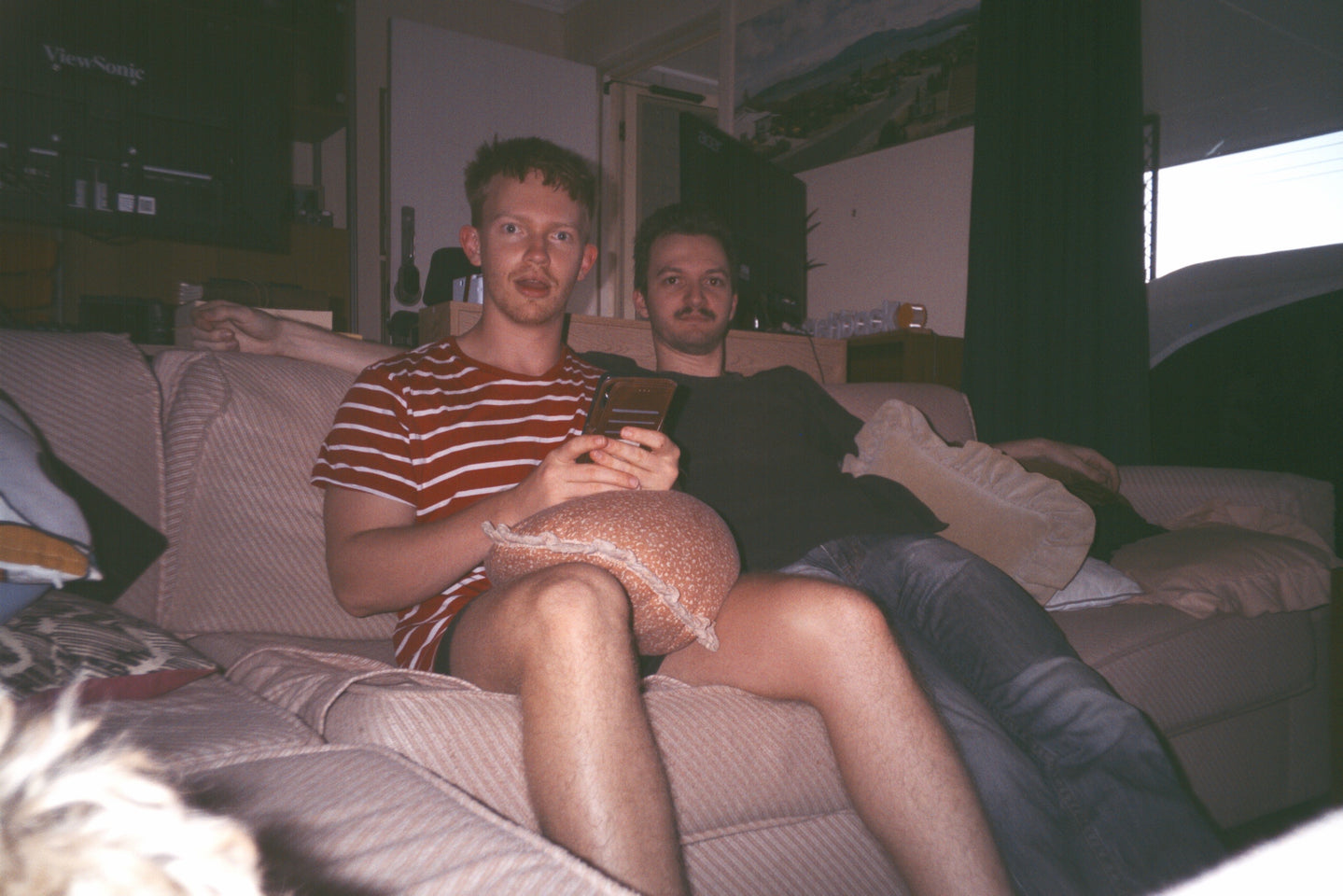
2022Two friends against the world
Kelric and Mack noticed no one had fun at parties anymore: they just sat around on their phones. After months of late nights in the garage, the first of many prototypes was born.
-
 2023
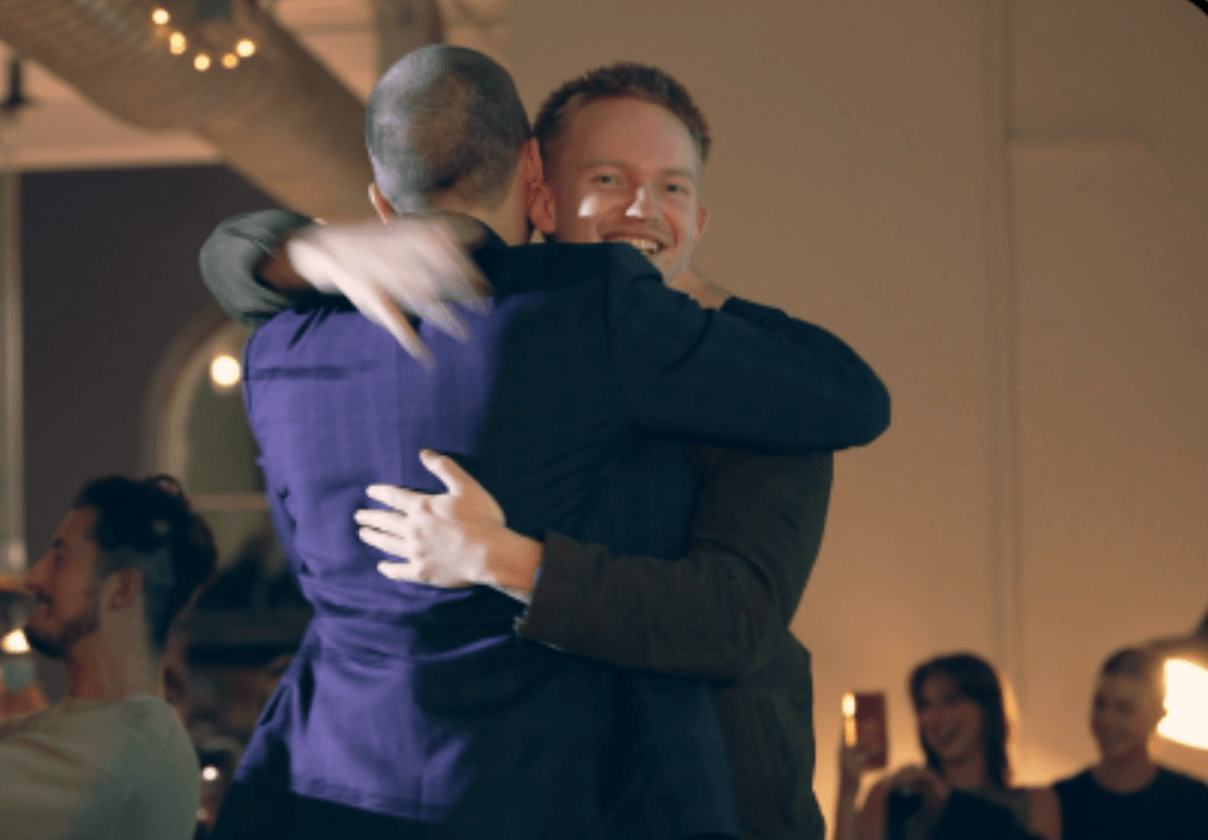
2023Our Kickstarter launch
Reached $80,000 in the first 13 minutes, and over $800,000 in total pledges.
-
 2024
2024Won a Good Design Award
In the Product Design category, Flashback was recognised for exceptional design and innovation.
-
 2024
2024Shark Tank Australia
Secured an offer for a $500,000 investment. After the show, we politely declined to keep Flashback independent.
-
 2024
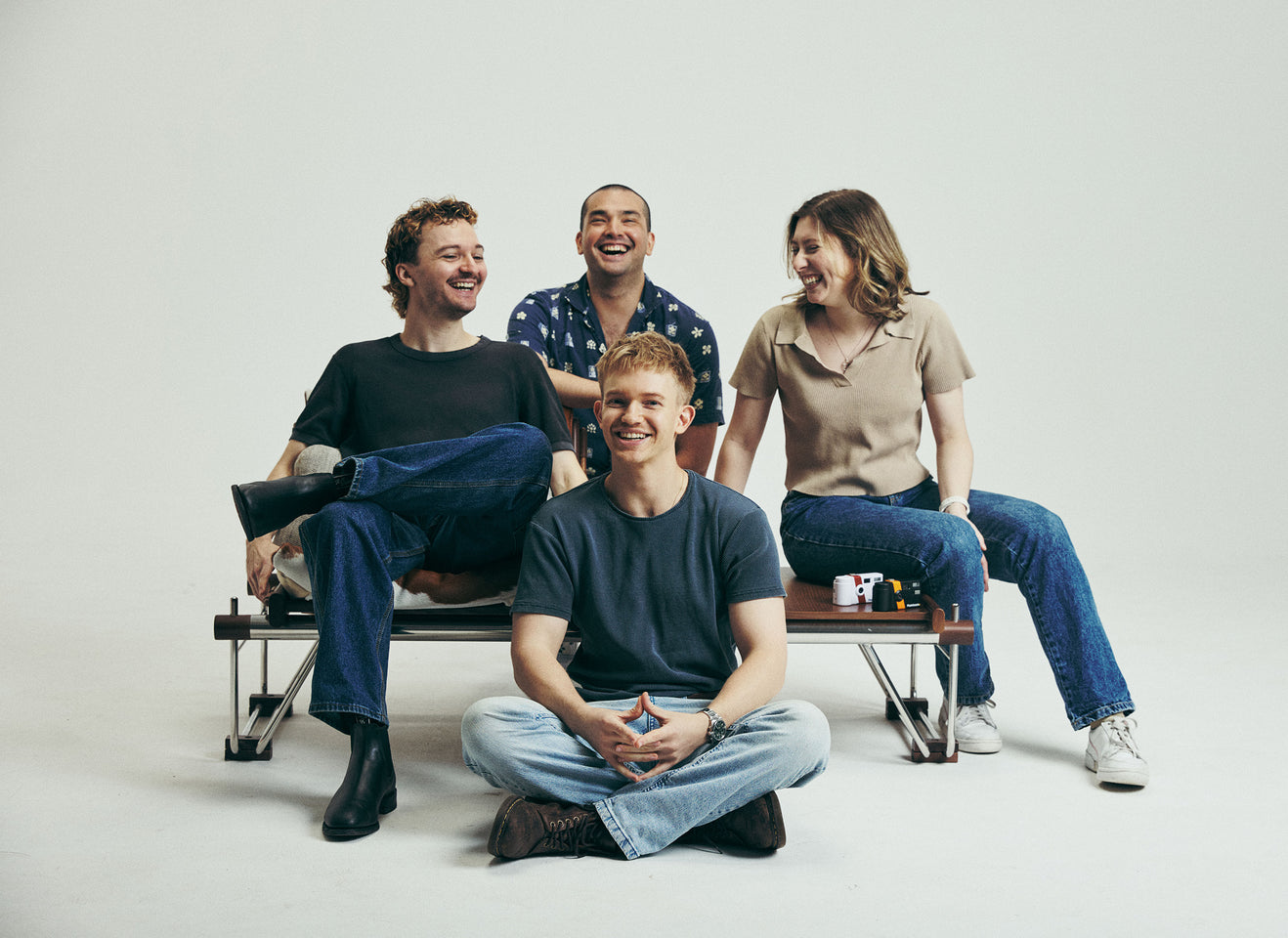
2024Hired our best friend
The team begins to grow, starting with our best friend Abbey.
-
 2024
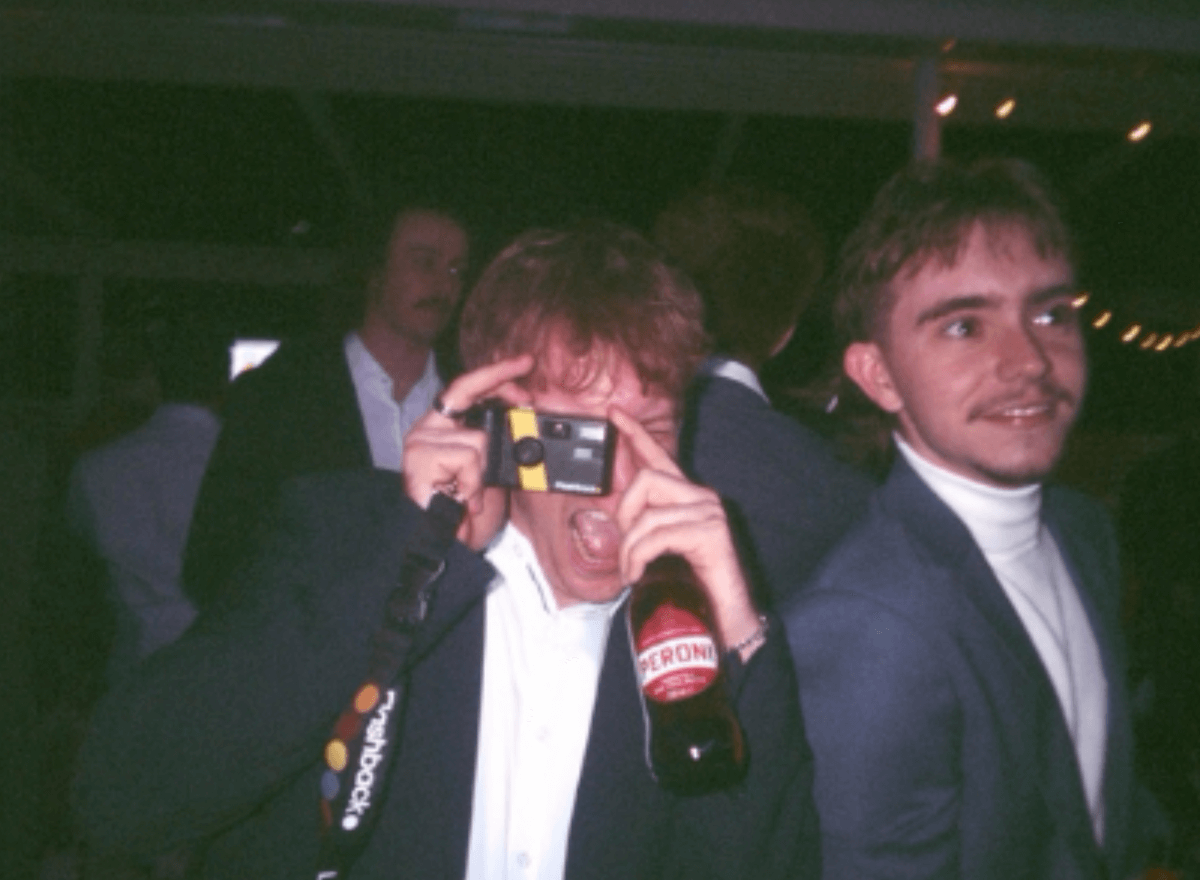
2024Reached 10 million photos
taken by our community. What an achievement!
-
 2025
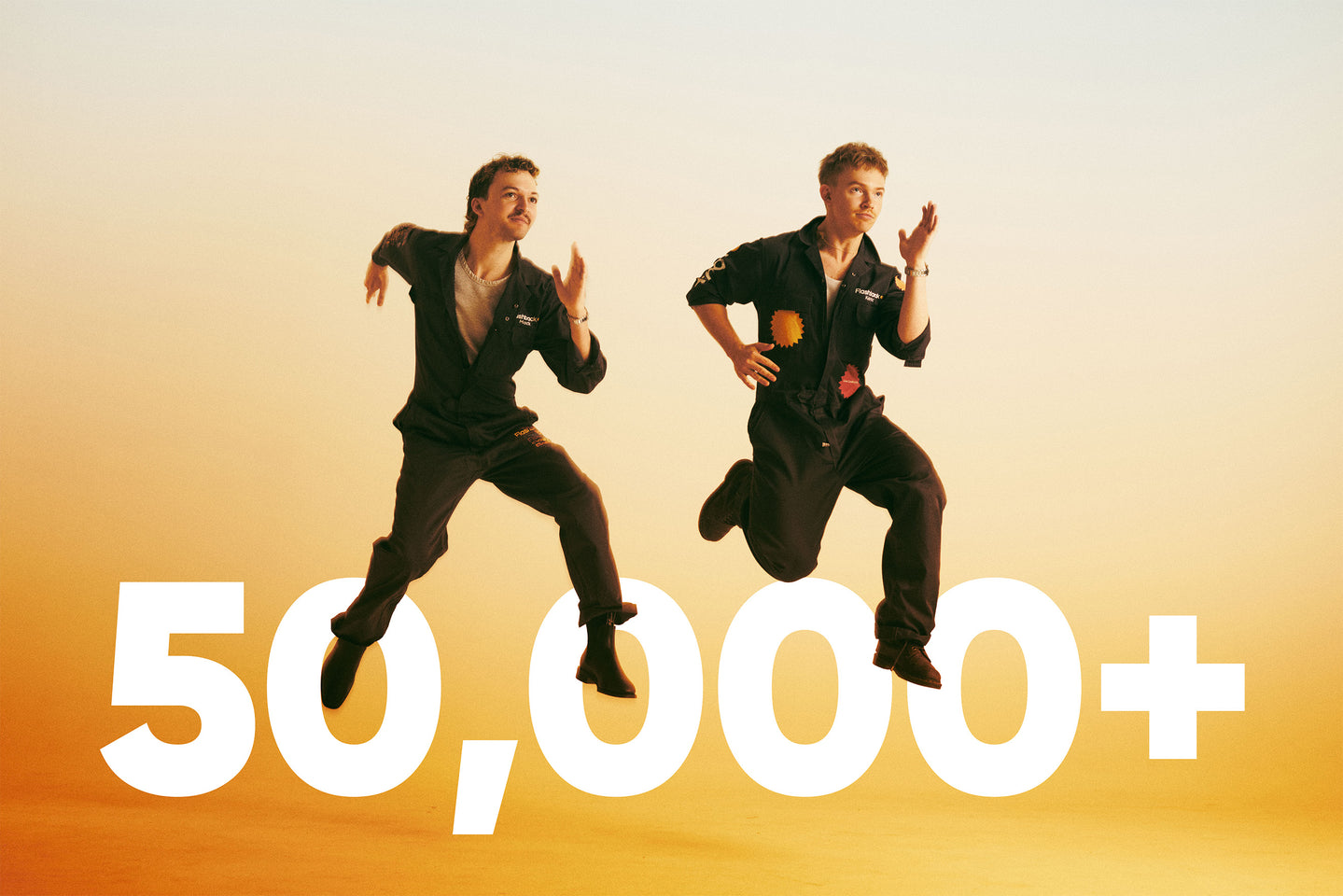
2025Reached 50,000 cameras sold
spanning over 68 different countries!
-
 2026
2026Launched ONE75
Ther hero we need, not the hero we deserve